Capture images and videos from any webpage with just a few clicks. Your ultimate media saving tool.
Add Media Downloader to Chrome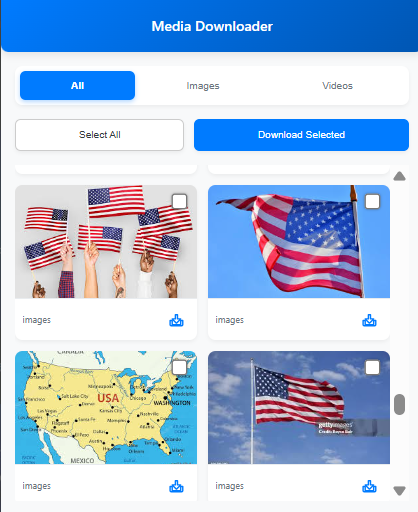
Get all images and videos from a page instantly. No more right-click saving one by one.
Our smart detection finds the best available resolution for your media files.
Filter by images or videos, select all, or pick specific items for download.
Add Media Downloader to your Chrome browser in seconds.
Visit any webpage with images or videos you wish to save.
Open the extension, select your media, and hit download!
